
A little more choice for every screen.Try 24 hours free
Devices & setup

Your usual screen.
A new way to watch.

TVs, streaming sticks, phones and computers. Find a compatible player for your exact model, then make yourself comfortable.

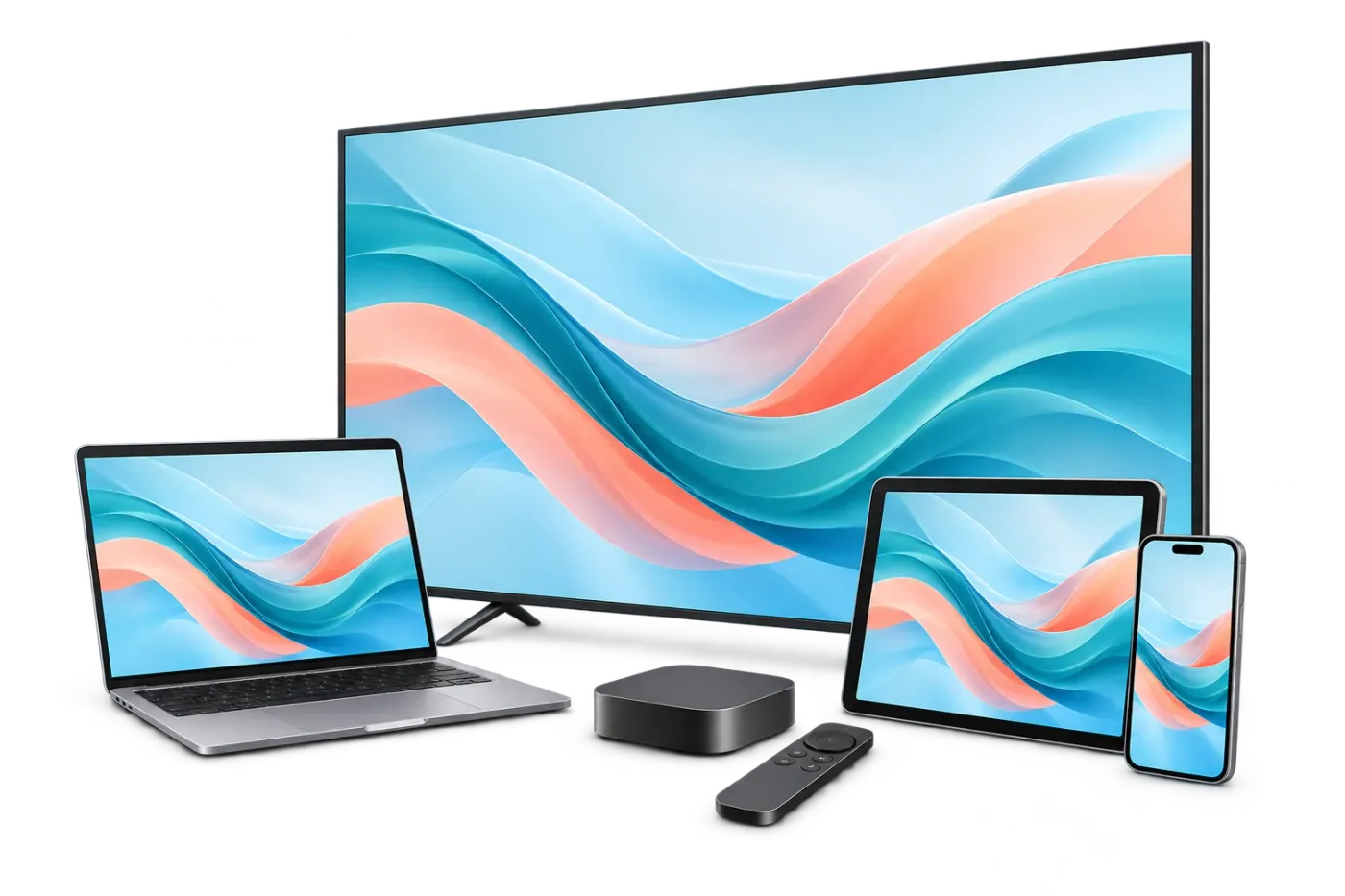
Illustrative TV, laptop, tablet, phone and streaming box
ONE SUBSCRIPTION. YOUR KIND OF SCREEN.

Pick the device.
We’ll help with the setup.

Your subscription supplies access.
A third-party player brings it to the screen.

FIRE TV & ANDROID TV

A small device. More ways to settle in.

Check your Fire TV, Android TV, Google TV or box model and software version. Use a compatible player from the relevant app store or a source support recommends.

Some Android boxes run phone software rather than Android TV.See the setup steps
SAMSUNG & LG SMART TV

The TV you already feel at home with.

Your TV’s model, year and app store determine which players are available. Some players activate by MAC address and charge a separate fee.

Ask support to confirm your exact model and the player licence before paying.See the setup steps
APPLE TV, IPHONE & IPAD

A little more choice, on Apple.

Choose a compatible player from the App Store for your device and country. Ask which sign-in format works with your subscription details.

Player availability can vary by OS version and regional store.See the setup steps
WINDOWS & MAC

Your desk can be a front-row seat.

Use a compatible desktop IPTV player or media player. Support can help you choose the correct server, username and password or playlist sign-in format.

Confirm compatibility with your operating system before purchasing an app.See the setup steps
ANDROID PHONE & TABLET

Bring your favourites to a smaller screen.

Check the player listing for your phone or tablet and test it on your own connection. An installed app uses a connection only while a stream is playing.

Mobile-data charges and network stability are separate from your plan.See the setup steps
BEFORE YOU INSTALL

A few details.
A smoother first sign-in.

Understand player fees
  • Check the exact device model, software version and country.
  • Ask which compatible player and login format to use.
  • Confirm any separate player licence or activation fee.
  • Count active streams, rather than installed player apps.
MAKE YOURSELF AT HOME

Make sure it fits. Then make it yours.

Try FlexStream on your usual screen and connection before choosing a plan.

Try 24 hours free